Technological Education Resources Technological Education Resources Tech Edu
  • Educator Resources
    • General Slides
    • General Materials
    • General Design & Fabrication
    • Computer Engineering Notes
  • Classes
    • TAS Slides
    • TEJ Slides
    • TTJ / TTS Slides
  • Glossary
  • Lore
  • About
  1. Laser-Cut Gallery
  • General Design & Fabrication Home
  • 1. Culture and Land-Based Learning
    • 1. Grandmother Moon, Seasons, and Turtle’s Back
    • 2. Land Lettermark
  • 2. S.O. N.I.C.E. Design Process
    • 1. Understand the Situation & Opportunity
    • 2. Record User Needs
    • 3. Necessities and Nice-to-Haves
    • 4. Rank Priorities
    • 5. Investigate and Inquire
    • 6. Create and Communicate
    • 7. Evaluate and Repeat
  • 3. Emotions and Visual Communication
    • 1. Fear and Anxiety
    • 2. Anger
    • 3. Disgust
    • 4. Envy
    • 5. Jealousy
    • 6. Guilt
    • 7. Shame
    • 8. Happiness
    • 9. Love
    • 10. Sadness
  • 4. Logo Design in Photopea
    • 1. Build the Nameplate Text
    • 2. Warm-Up: Trace the AA Logo
    • 3. Trace a Multi-Layer Logo
    • 4. Combine Logo and Nameplate
    • 5. Design Your Own Name Tag
  • 5. Logo Animation
    • 1. Bring Your Brand to Life: Animate Your Logo
  • 6. Accessible Design
    • 1. Access and Alt Text
    • 2. Fonts and Text Effects
    • 3. Understanding Colour
    • 4. Contrast and Output
  • 7. Laser Cutting and Fabrication Tools
    • 1. Make It Stand
    • 2. Measure and Place
    • 3. Material Fit and Calibration
    • 4. Assemblies and Hybrid Fabrication
    • 5. Laser-Cut Assembly, Adhesives & Finishing
    • 6. Wall and Bench Tool Module
    • 7. Design and Fabrication Capstone
  • 8. Making the Phone Holder
    • 1. Choose Your Phone Holder
    • 2. CAD You Need
    • 3. Tools and Machines
    • 4. Build Steps
  • 9. Advanced Making: Stamp or Faux-Enamel Jewellery
    • 1. Mission 2: Logo Stamp
    • 2. Tinkercad Logo Stamp
    • 3. Onshape Logo Stamp
    • 4. Mission 3: Tinkercad Faux-Enamel Brooch
    • 5. Onshape Faux-Enamel Jewellery
  • CAD Tools
    • Fabrication Plate Builder
    • Laser-Cut Leg & Support Builder
    • Tool Organizer Gallery
  • Laser-Cutting Files and Resources

Laser-Cut Gallery

Browse visible starting points before opening files or changing dimensions.

A dedicated visual gallery of reusable laser-cut shapes, organizers, stands, joints, French-cleat modules, calibration tools and themed starters.

← General Design & Fabrication · Laser-cutting files and tools

Design and fabrication notes · Visual gallery

Start with the picture. Browse organizer parts, stands, joints, French-cleat modules, calibration tools and themed shapes. Then open the reusable SVG and adapt it to the real material and object.

Browse all designs Finished organizer builds Files, builders and testing guidance

Project files

Photos and files

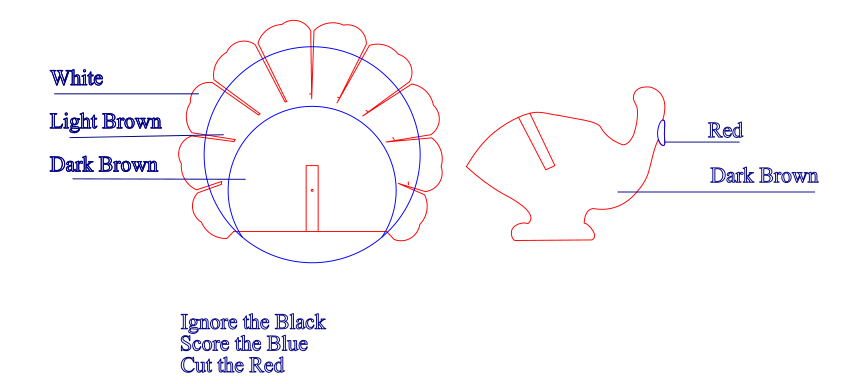
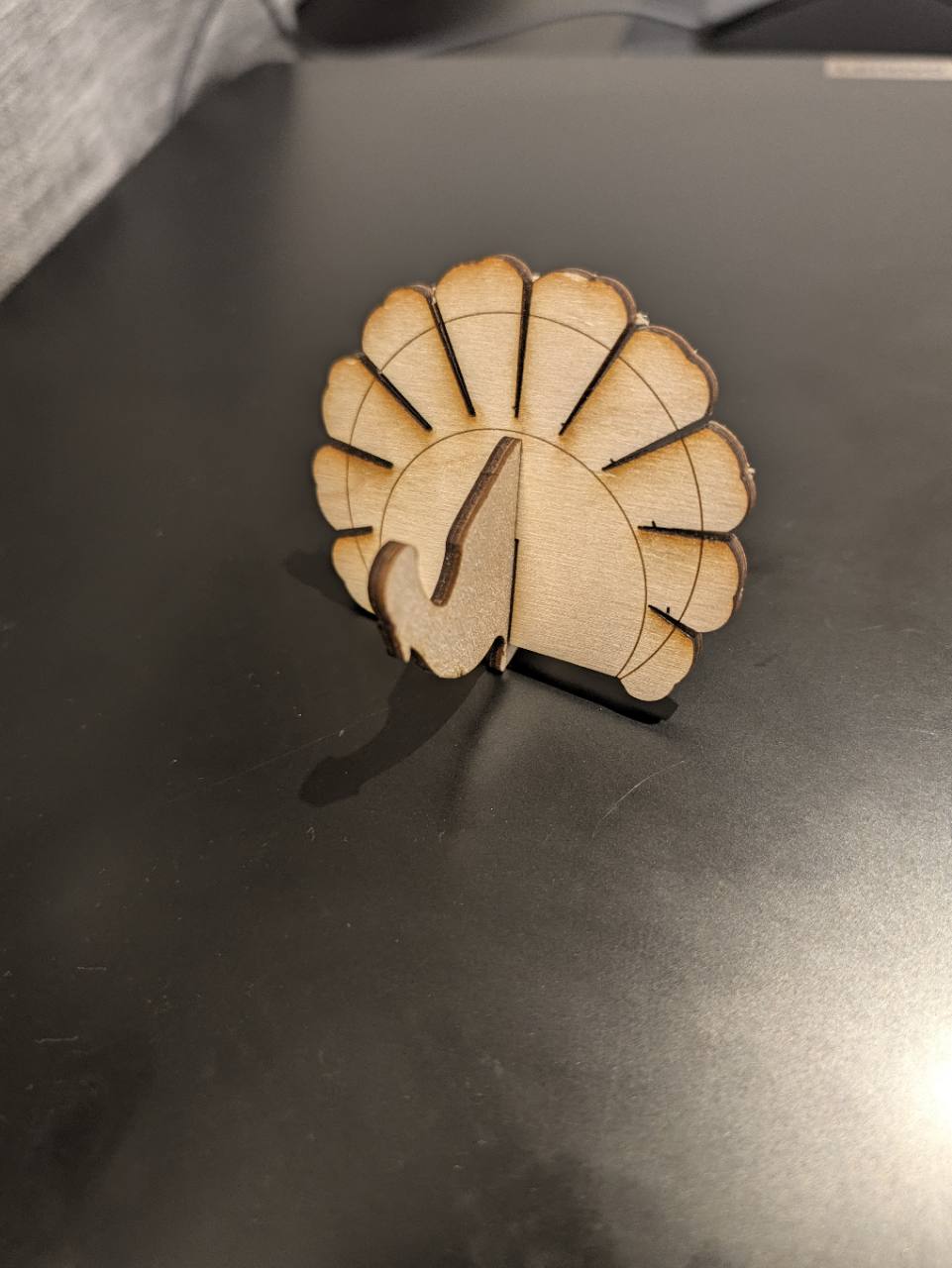
Finished laser-cut wooden turkey standing on a dark tabletop.

Standing turkey

PhotosSVGSource

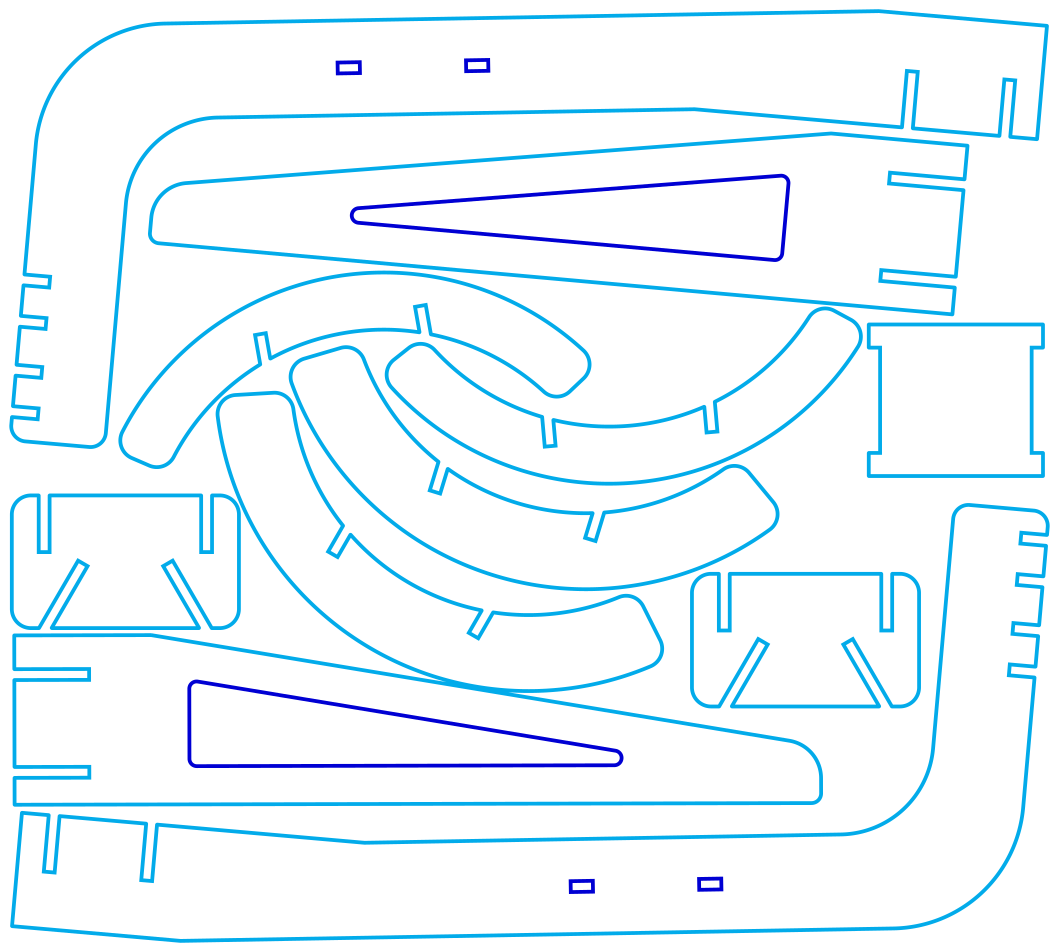
SVG cut layout for a slotted Baltic-birch headphone stand.

3 mm headphone stand

ViewSVGSource

232 reusable visuals

Choose by shape and purpose

These are editable starting points, not verified finished products. Measure the real object and sheet material, then make a small test cut before a complete build.

Filters 0

Filters narrow the current gallery. Shortcut buttons above start a fresh view.

Loading gallery…

No designs match this combination. Try clearing a filter.

Website code: AGPL 3.0. Educational content: CC BY-SA 4.0.

Educational content may be shared, copied, modified, and redistributed. Keep the CC BY-SA 4.0 licence and credit Andrew Andrade, andrewandrade.ca, and github.com/mrandrewandrade. Add your own name and links when adapting it. Sharing is caring.

The website code uses the AGPL 3.0, a copyleft licence: if you share modified code or run a modified version as a network service, you must make the corresponding source code available under the same licence.

 
  • References

  • Licensing